Extend Grid Toolkit with a cubic topology
What this teaches
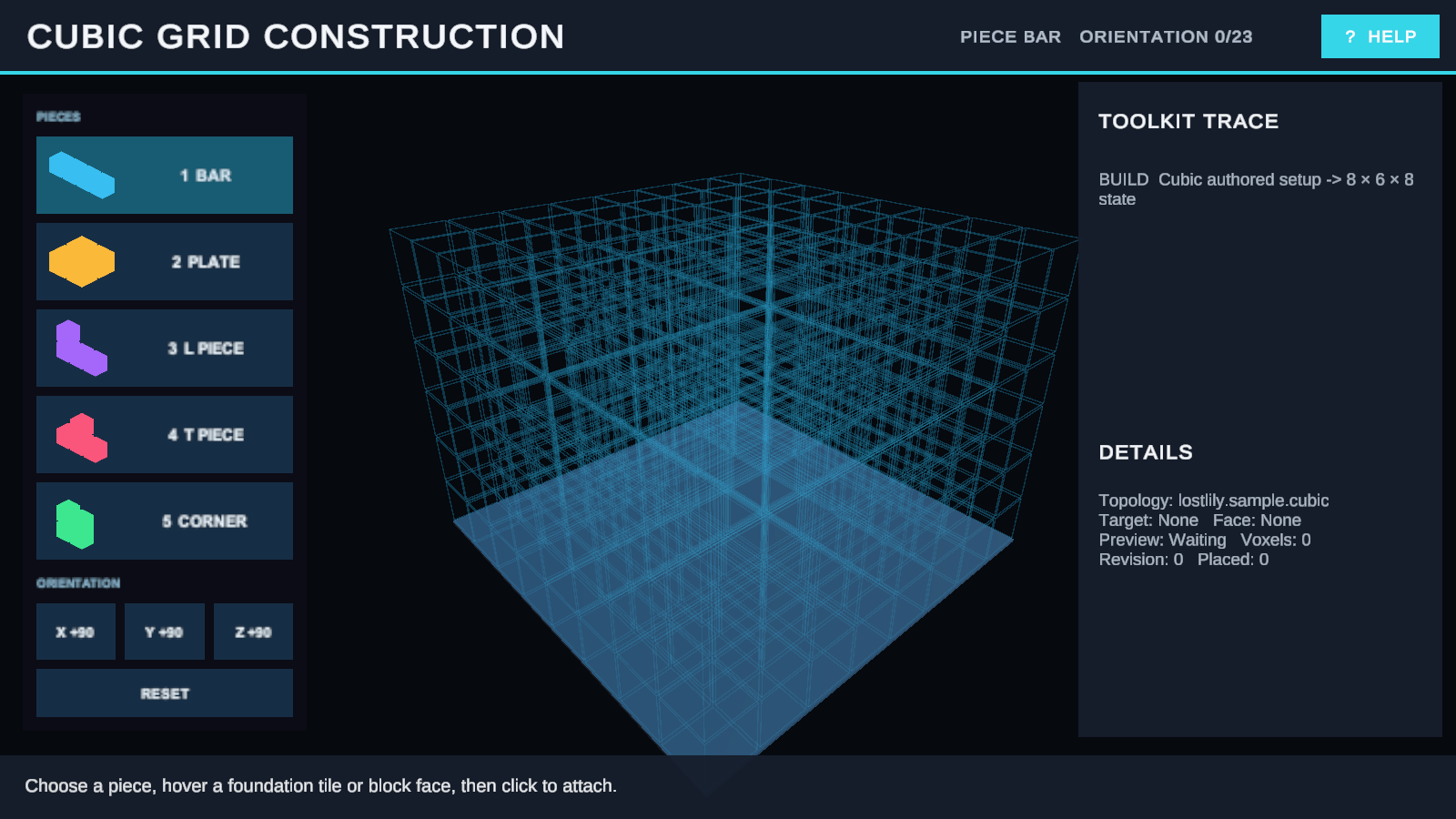
This scene demonstrates a supported extension boundary rather than a built-in topology. A project-owned IGridTopology, orientation system, authoring adapter, layout, hit resolver, and renderer cooperate to build tetracubes in three dimensions.
Open and run
Menu path: Tools > Lost Lily > Grid Toolkit > Samples > Open > Cubic Grid Construction.
Read Custom topology, orientation, and layout before treating the implementation as an architectural reference.
Enter Play Mode. Press 1–5 to select a piece, X/Y/Z to rotate on each axis, and left-click to place. Right-drag orbits, the mouse wheel zooms, and R resets the construction.
Try it
- Place a foundation slab on the lower layer.
- Select another piece and rotate it around two different axes.
- Attach it above ground so at least one face touches the existing construction.
- Build around a volumetric corner and inspect the preview from several camera angles.
- Try a detached or invalid placement, then press R.
Checkpoint
Valid pieces occupy three-dimensional cells and remain attached according to the example's project policy. Invalid previews report a reason without mutation. Camera orbit changes presentation only. Reset clears the construction and restores the starting cubic board.
How it works
| Extension part | Public contract | Responsibility |
|---|---|---|
| Cubic coordinates/topology | IGridTopology |
Defines identity, neighbors, distance, and 3D footprint transforms. |
| Orientation system | IGridOrientationSystem | Normalizes rotations around all supported axes. |
| Layout | IGridLayout | Projects logical cubic cells into world positions and resolves hits. |
| Layout provider | IGridLayoutProvider | Creates a compatible layout for the board binding. |
| Renderer modules | Visualization contracts | Build cell, structure, intent, and hit surfaces for the custom layout. |
Try another variation
In a duplicated scene, change a tetracube footprint or placement rule. Implement and test any derived topology in your own assemblies through the public contracts.
Troubleshooting
| Symptom | Fix |
|---|---|
| A piece rotates differently than expected. | Check the current X/Y/Z orientation and view the preview from another camera angle. |
| Custom hits disagree with visuals. | Test the layout's pose and hit conversion as one contract. |
Related
- Custom topology, orientation, and layout
- Renderer modules, invalidation, capabilities, and visual intents
- IGridTopology
- IGridOrientationSystem
- IGridLayout
- IGridLayoutProvider
Next sample
Return to the Samples & Demos catalog, or continue with Extending Grid Toolkit.