Edit board assets and setups
When to use
Edit board assets and setups when designers need to change cells, topology-specific dimensions, setup references, or board-level configuration through Unity assets. Structure definitions, visuals, libraries, and starting placements have their own focused workflow.
Before you start
Start with the board created by the beginner path or another setup that validates successfully. Use matching authored asset families:
SquareGridBoardAsset is the Square board asset; Hex and Triangle provide matching topology-specific assets.
| Family | Coordinate model | Orientation and layout |
|---|---|---|
| Square | Integer x, y cells |
Quarter-turn footprint orientations; automatic topology layout available. |
| Hex | Axial hex coordinates | Six topology orientations; automatic topology layout available. |
| Triangle | Integer coordinates with triangle-facing semantics | Footprints preserve cell facing; automatic topology layout available. |
Choosing a built-in topology does not require a custom layout.
Procedure
1. Edit the board definition
- Select the board asset and edit its topology-specific dimensions or cells.
- Select Validate Board and resolve definition or topology errors.
2. Configure the setup
- Select the setup asset and confirm it references the intended board.
- Assign board-level policy or resolver profiles only when this board differs from project defaults.
- Under Preview, inspect the resulting cells. Use Frame Setup and the topology-specific preview controls when needed.
- Select Validate Setup.
3. Rebuild the scene state
- On the scene host, assign the setup to
GridBoardAuthoring. Keep Build On
Awake enabled unless another owner calls
Build()explicitly. - Rebuild and confirm the authoring component reports ready at revision
0.
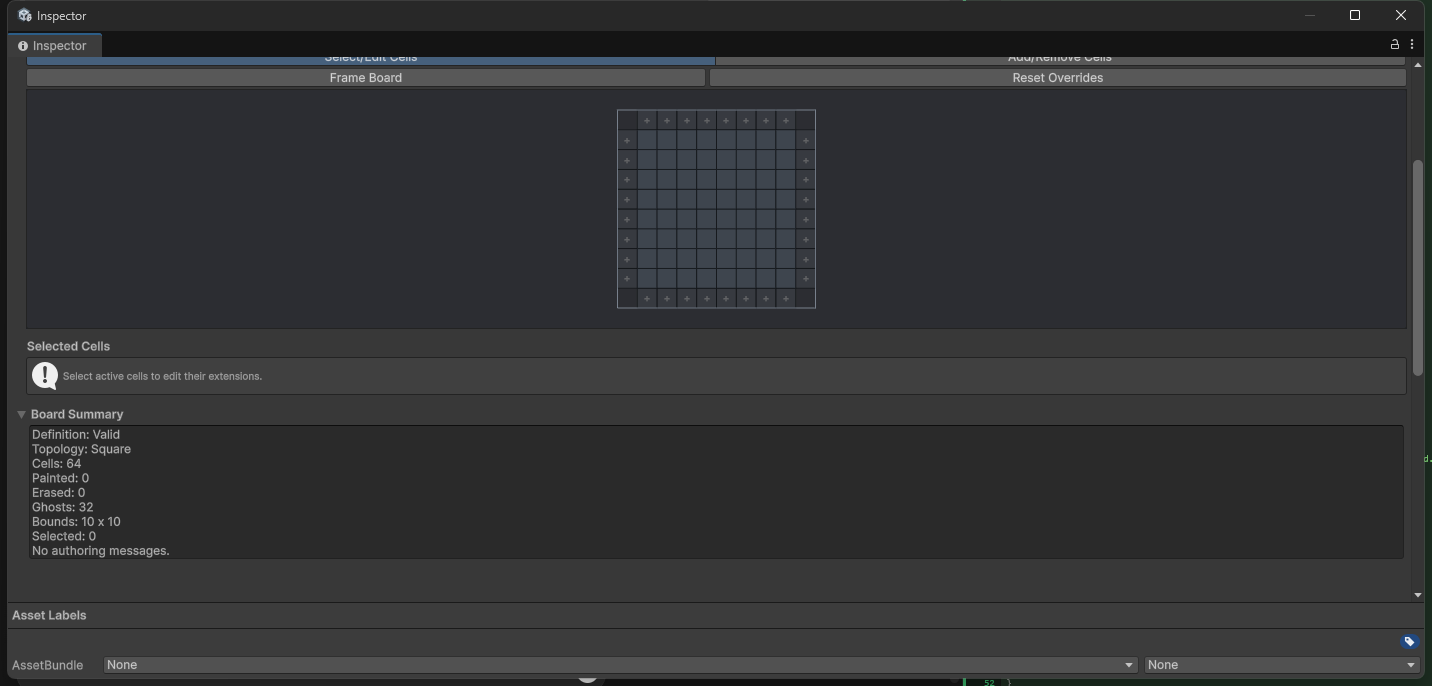
Result
The setup builds one GridBoardState at revision
0. Rebuilding disposes the replaced state and notifies source-bound views that a replacement is
available.
Troubleshooting
| Symptom | Check |
|---|---|
| Preview cannot create a layout | Import the matching topology authoring adapter or register a supported preview provider. |
| Scene and setup previews disagree | Confirm the scene host references the same setup and rebuild the authoring state. |
| A board-specific service is ignored | Inspect the runtime-configuration trace for project or board precedence. |
| A starting structure is invalid | Continue with the focused structure and placement workflow. |